PDF Studio › All tools › Convert PDF pages to JPG or PNG
Convert PDF pages to JPG or PNG
Save PDF pages as images you can post, attach or put into slides. Pick JPG or PNG, choose the resolution, and convert every page or just the ones you need.
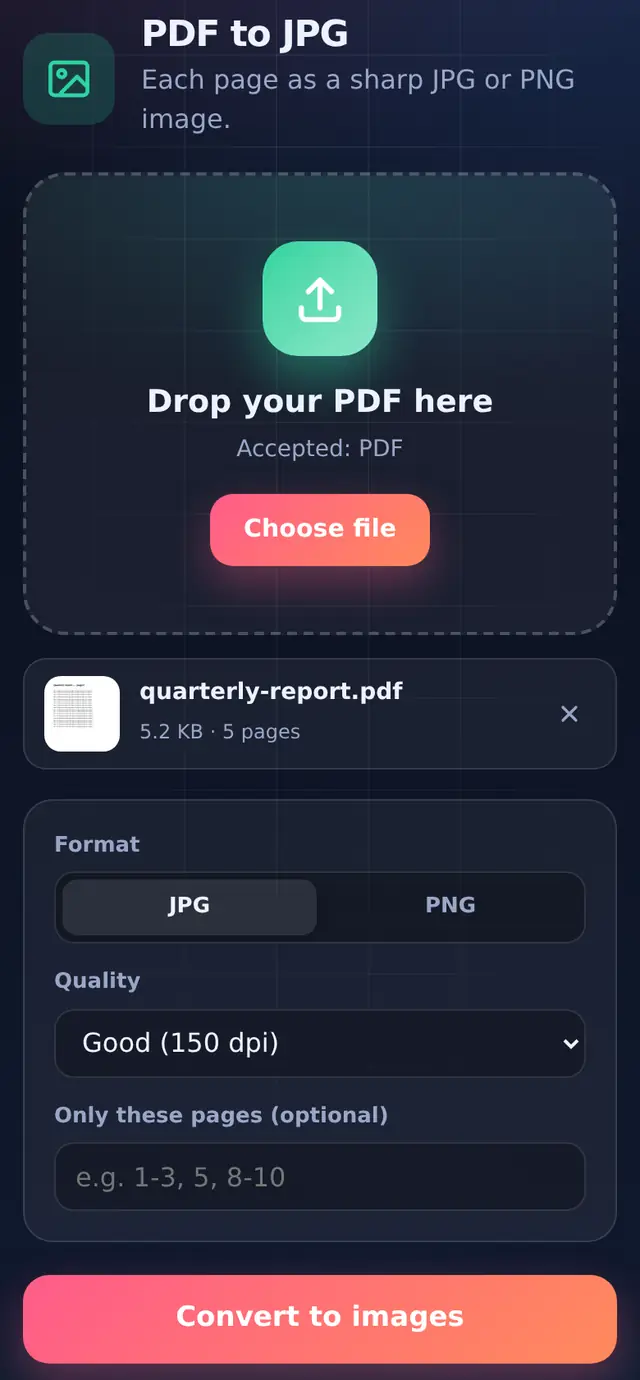
Open PDF to JPGFree, no sign-up, no watermark. The file is processed on your device and never uploaded.
How to convert
- Add the PDFOne PDF at a time.
- Choose format and qualityJPG or PNG, and a resolution from 96 to 300 dpi.
- Optionally pick pagesFor example
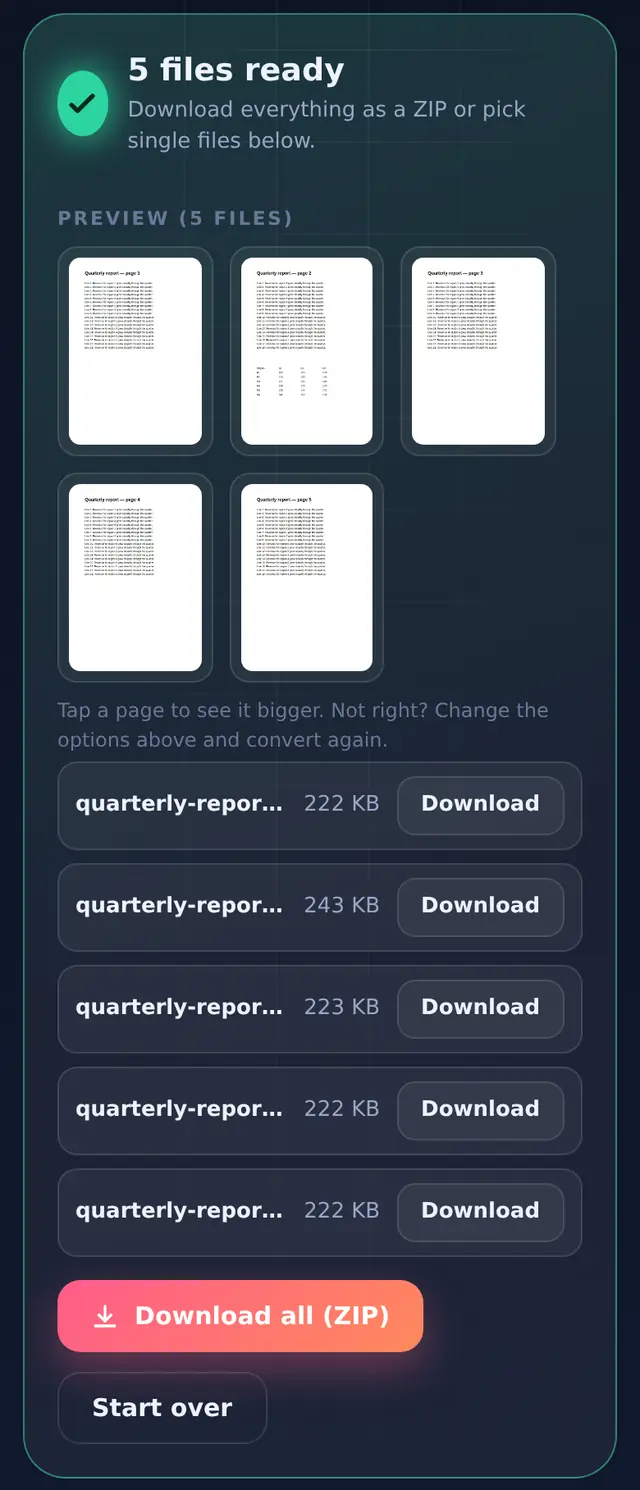
1or2-4. Leave it empty for every page. - Convert and downloadImages are named like
report_page-1.jpg.
Which quality to choose
The quality setting is the resolution in dots per inch. This is what each one gives for an A4 page:
| Setting | A4 page in pixels | Good for |
|---|---|---|
| Screen (96 dpi) | 794 × 1123 | Quick previews, messaging apps |
| Good (150 dpi, default) | 1240 × 1754 | Sharing and reading on phones and laptops |
| High (220 dpi) | 1819 × 2572 | Zooming into small print, slides |
| Print (300 dpi) | 2480 × 3508 | Printing, archiving, text recognition apps |
Higher settings make bigger files and take longer on a phone. As a reference, a page of typed text at 150 dpi came out at about 230 KB as a JPG in our test.
JPG or PNG?
JPG is smaller and fine for photos and most documents; pages are saved at high JPG quality. PNG keeps text and thin lines perfectly crisp, which suits diagrams and screenshots of forms, but the files are several times bigger.
If an upload form wants an image under a certain size, convert here and then shrink the image with Compress image.
Questions people ask
Can I get one long image of all pages?
No. Each page becomes its own image file.
Why does the image have a white background?
PDF pages are drawn on white, as they would be printed. Transparent areas become white.
Can I turn the images back into a PDF?
Yes, with JPG to PDF.