PDF Studio › All tools › Split a PDF into separate files
Split a PDF into separate files
Split one PDF into several smaller ones. You can pull out specific page ranges, save every page as its own file, or cut a long document into equal chunks, for example 10 pages each.
Open Split PDFFree, no sign-up, no watermark. The file is processed on your device and never uploaded.
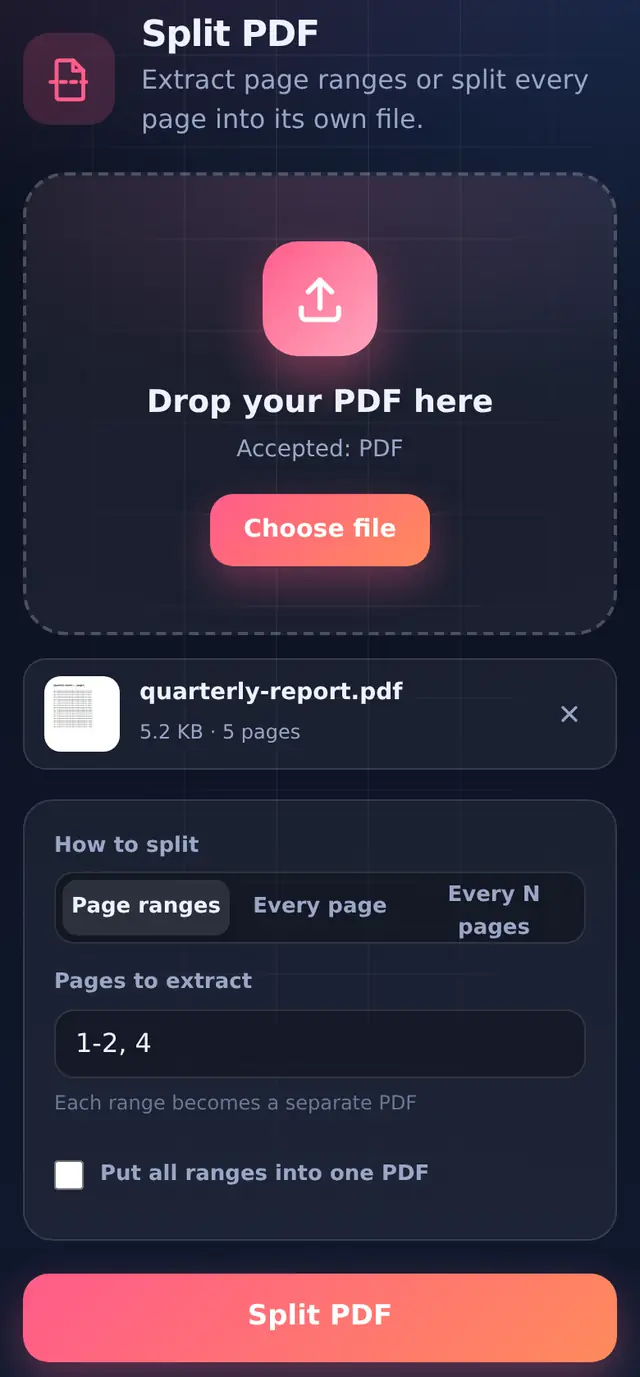
Three ways to split
| Mode | What you type | What you get |
|---|---|---|
| Page ranges | 1-3, 5, 8-10 | Three PDFs: pages 1–3, page 5, and pages 8–10 |
| Page ranges with Put all ranges into one PDF ticked | 1-3, 5, 8-10 | One PDF with those seven pages, in that order |
| Every page | nothing | One PDF per page |
| Every N pages | Pages per file: 10 | A 45-page file becomes 5 PDFs: 10, 10, 10, 10 and 5 pages |
How page ranges are read
- Separate ranges with commas (semicolons work too). Spaces do not matter.
7-means page 7 to the end, which is handy when you do not know the page count.- A backwards range like
9-4is read as 4–9. - Numbers past the last page are trimmed to the last page. Anything that is not a page number gets a clear message that also tells you how many pages the file has.
Page numbers mean the position in the file, not the number printed on the page. If a report starts with pages numbered i, ii, iii, the page printed "1" might be the fourth page of the file.
How to split a PDF
- Add the PDFIts page count appears next to the file name once it has loaded.
- Choose how to splitPage ranges, Every page, or Every N pages.
- Fill in the ranges or the chunk sizeOnly the box for the mode you picked is shown.
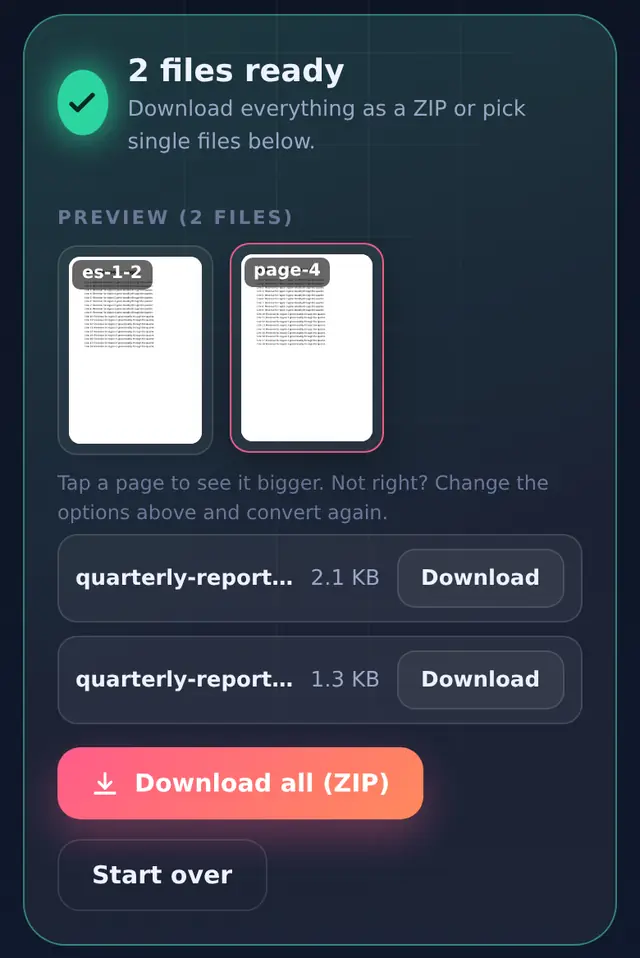
- Split and downloadOne file downloads directly; several come as a ZIP. Files are named like
report_pages-1-2.pdfandreport_page-4.pdf, so you can tell them apart.
When splitting helps
Upload limits per file. If a portal allows 2 MB per upload and your scan is 7 MB, splitting into chunks with Every N pages often gets each part under the limit without lowering quality at all.
Sending only what is needed. Pull the two relevant pages out of a 40-page statement instead of sending everything.
Splitting is lossless. Pages are copied, not re-drawn, so each part looks exactly like the original.
Questions people ask
What is the difference between Split and Remove pages?
Split makes new files from the pages you name. Remove pages gives you one file without the pages you name. Use whichever list is shorter to type.
Can I split several PDFs at once?
Split works on one file at a time, so the page ranges always refer to a single document.
Why is one part bigger than the others?
Parts with photos or scanned pages carry those images. If a part is still over a limit, compress just that part.