PDF Studio › All tools › Compress an image to an exact size
Compress an image to an exact size
Make a photo, scan or signature small enough for an upload form, or just lighter to share. Pick a limit such as 20 KB or 50 KB and the tool finds the largest, sharpest version that fits.
Open Compress imageFree, no sign-up, no watermark. The file is processed on your device and never uploaded.
How to compress an image
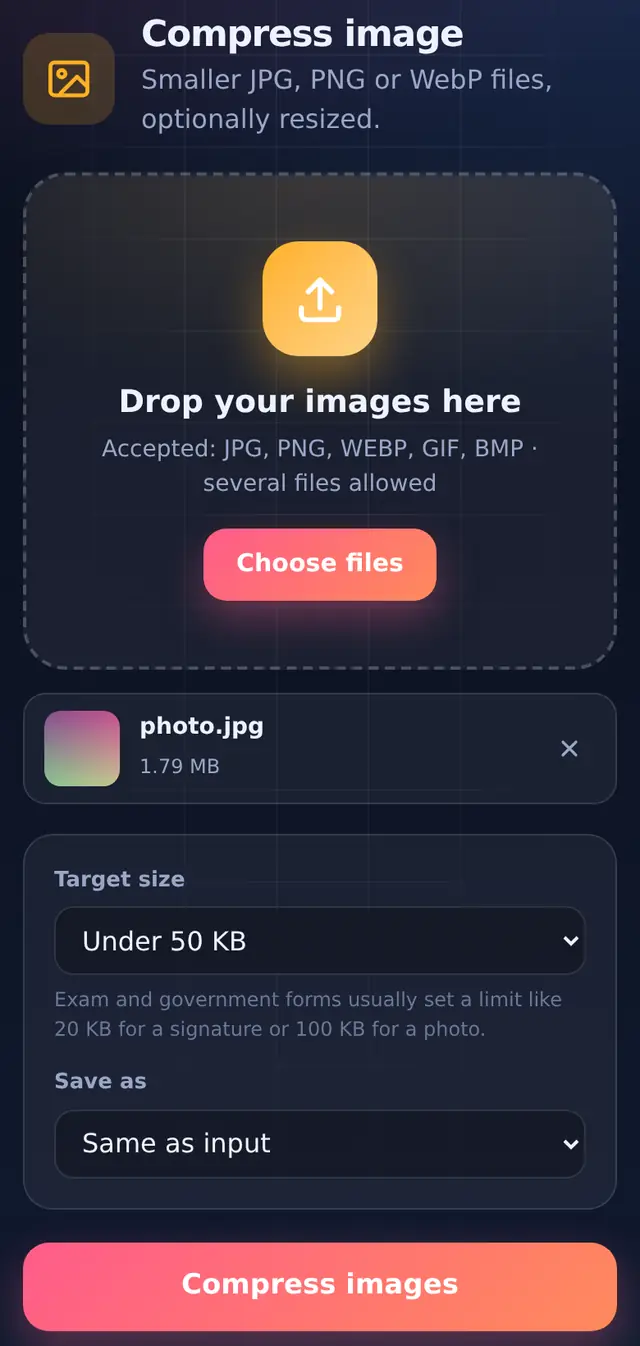
- Add one or more imagesJPG, PNG and WebP are the usual ones; GIF and BMP work too. Each image is handled separately.
- Choose a target, or set it yourselfPick a limit (10, 20, 50, 100, 200 or 500 KB, or a custom size from 5 KB to 10,000 KB). Or choose No limit and set the quality slider and the maximum width or height yourself.
- Choose the formatSame as input keeps the type. JPG is the safest for forms; WebP is smaller but not every form accepts it.
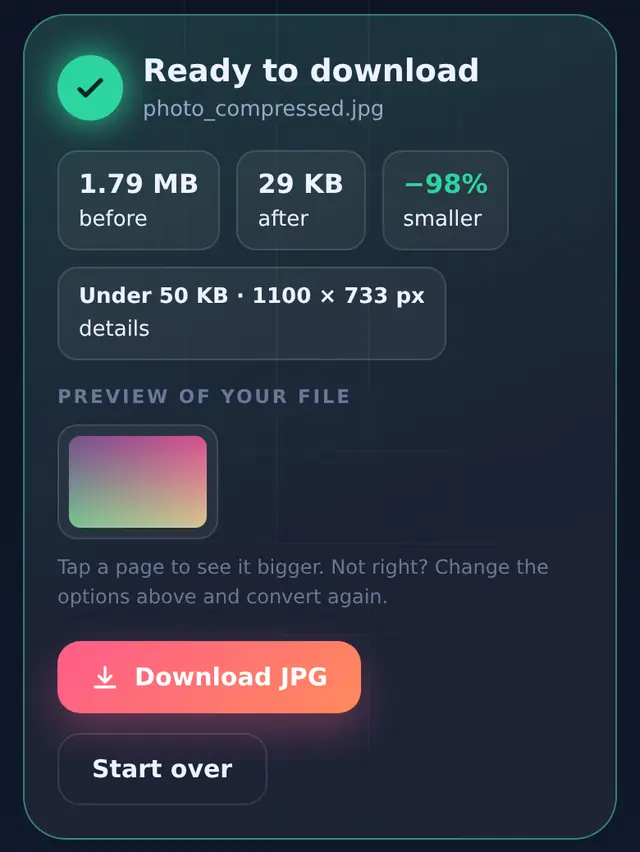
- Compress and downloadThe result card shows the new size and the pixel dimensions.
What we measured
With a limit set, the tool tries up to twelve combinations of quality and size, starting from 85% quality at full size, and stops at the first one that fits. That means it always keeps as many pixels as the limit allows. Here are real results:
| Image | Target | Result | Dimensions chosen |
|---|---|---|---|
| Photo, 3000 × 2000 px, 1.79 MB | Under 20 KB | 13.5 KB | 900 × 600 px |
| Under 50 KB | 28.8 KB | 1100 × 733 px | |
| Under 100 KB | 64.7 KB | 1400 × 933 px | |
| Under 200 KB | 161.5 KB | 1800 × 1200 px | |
| Signature, 1600 × 600 px, 56.6 KB | Under 10 KB | 9.6 KB | 900 × 338 px |
| Under 20 KB | 18.2 KB | 1400 × 525 px | |
| Under 50 KB | 33.9 KB | 1600 × 600 px (unchanged) |
A signature is mostly plain paper, so it compresses much better than a photo: at 20 KB it kept 1400 px of width, while the photo had to drop to 900 px for the same limit.
Photos and signatures for application forms
Forms usually give a size range in KB, and often pixel dimensions or a photo size in centimetres too. This tool handles the KB part. It does not crop, and in target mode it chooses the dimensions itself, so if a form asks for exact pixels, such as 200 × 230, crop the image to that shape in your phone's gallery first. Our guide to file size limits on online forms covers the usual requirements and how to meet each one.
- Signature: sign in dark ink on plain white paper, photograph it in daylight, crop tightly around the signature, then compress.
- Photo: use a plain light background and crop to head and shoulders. A tight crop leaves more of the limit for the face.
- Too small: some forms also set a minimum, such as 10 KB. If the result is below it, choose the next bigger target.
Details that matter
PNG is saved as JPG when you set a limit. PNG cannot reliably reach small sizes, so the tool switches to JPG for targets. Transparent areas become white, which is what forms expect.
Location and camera data are removed. The image is redrawn before it is saved, so the new file carries no EXIF information, including GPS location. That is a small privacy win when you share photos.
Phone photos are turned the right way up using the orientation the camera recorded.
Questions people ask
Why did my image get smaller in pixels, not only in KB?
At small limits, lowering quality alone makes a photo blocky. Reducing the dimensions a little keeps it looking clean. The tool keeps the largest dimensions that still fit.
Can I compress many photos at once?
Yes. Add them together; each one is compressed to the same target and they download together as a ZIP.
How do I make a PDF under 100 KB instead?
Use Compress PDF, which works the same way for PDF files.