PDF Studio › All tools › Convert Excel (.xlsx, CSV) to PDF
Convert Excel (.xlsx, CSV) to PDF
Turn a spreadsheet into a PDF that anyone can open and print. Each sheet with data becomes a clean table, and sheets that are too wide for a portrait page are laid out in landscape automatically.
Open Excel to PDFFree, no sign-up, no watermark. The file is processed on your device and never uploaded.
How to convert
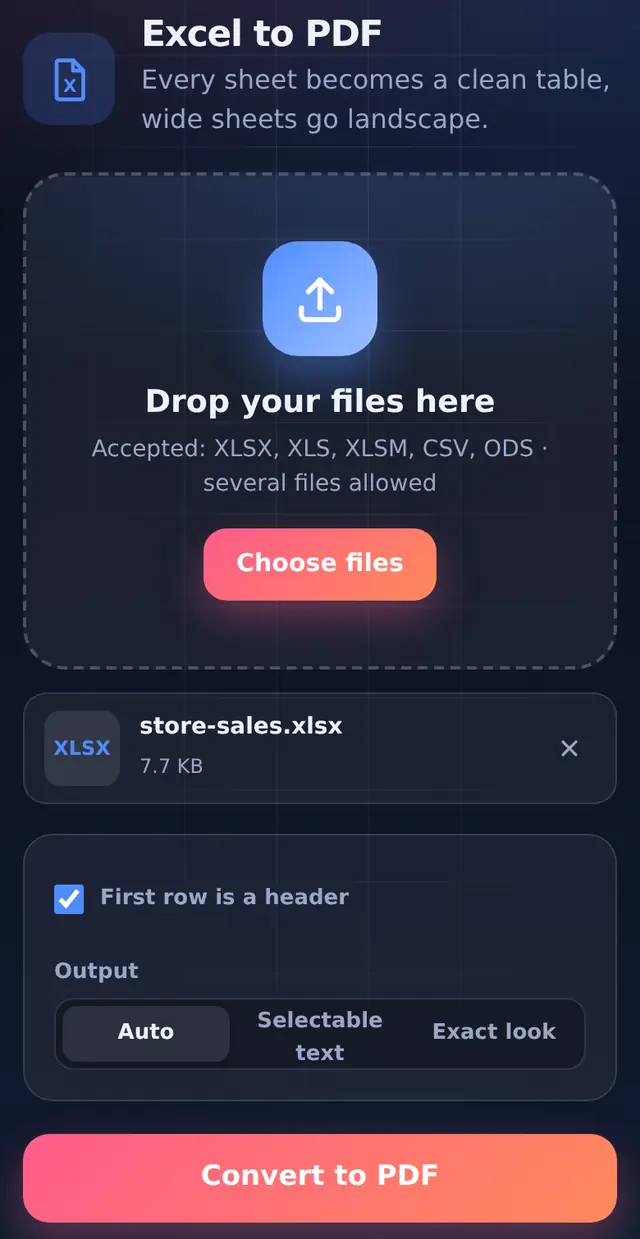
- Add the workbook.xlsx, .xls, .xlsm, .csv and .ods files are accepted, several at once if you like.
- Check the optionsFirst row is a header is on by default. Output stays on Auto unless you have a reason to change it.
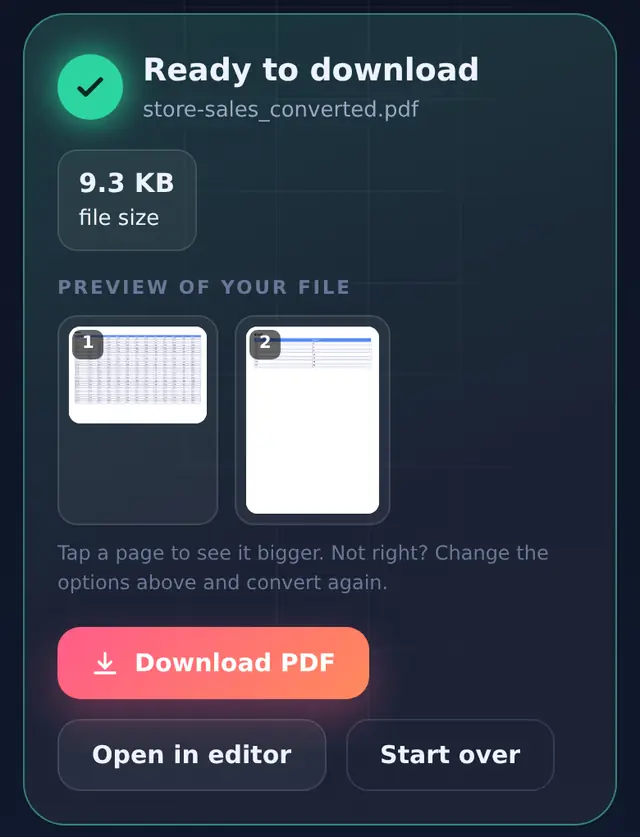
- ConvertEvery sheet that has data becomes a table in the PDF; empty sheets are skipped.
- DownloadThe PDF is named after the workbook with
_convertedadded.
How the layout is decided
Orientation: a sheet with more than six columns is placed on landscape pages so the columns do not get squeezed; narrower sheets stay portrait. In our test, a 13-column sales sheet went landscape while a 2-column sheet in the same workbook stayed portrait.
Values: each cell shows its value the way the spreadsheet displays it, so dates, percentages and currency keep their format. Formulas show their calculated result, not the formula.
Scripts: if any cell contains Hindi or another non-Latin script, Auto switches to Exact look so the text renders correctly. Exact look pages are images, so the text cannot be selected.
What does not come across
The PDF is built as a plain, readable table. Cell colours, borders, charts, images, comments and Excel's own print settings (print areas, page breaks, repeated title rows) are not reproduced. If the exact print layout of a formatted report matters, export it from Excel itself with File > Export > PDF, or from Google Sheets with File > Download > PDF.
Tips for a tidy PDF
- Delete or hide helper columns you do not want printed before converting.
- Keep one table per sheet, starting at the top-left cell. Notes typed far to the right of a table add extra columns.
- For a CSV, the first line is used as the header when the option is ticked.
Questions people ask
Does it convert every sheet?
Yes, every sheet that contains data, in the order they appear in the workbook.
My numbers show lots of decimals. Why?
The tool shows cells as the spreadsheet formats them. Set the number format in Excel (for example two decimal places) before converting.
Can I go the other way?
Yes. PDF to Excel pulls tables out of a PDF into a workbook.