PDF Studio › All tools › Convert Word (.docx) to PDF
Convert Word (.docx) to PDF
Turn a Word document into a PDF that opens the same on every phone and computer. Headings, bold and italic text, lists, tables and pictures come across, and Hindi and other scripts are handled too.
Open Word to PDFFree, no sign-up, no watermark. The file is processed on your device and never uploaded.
How to convert
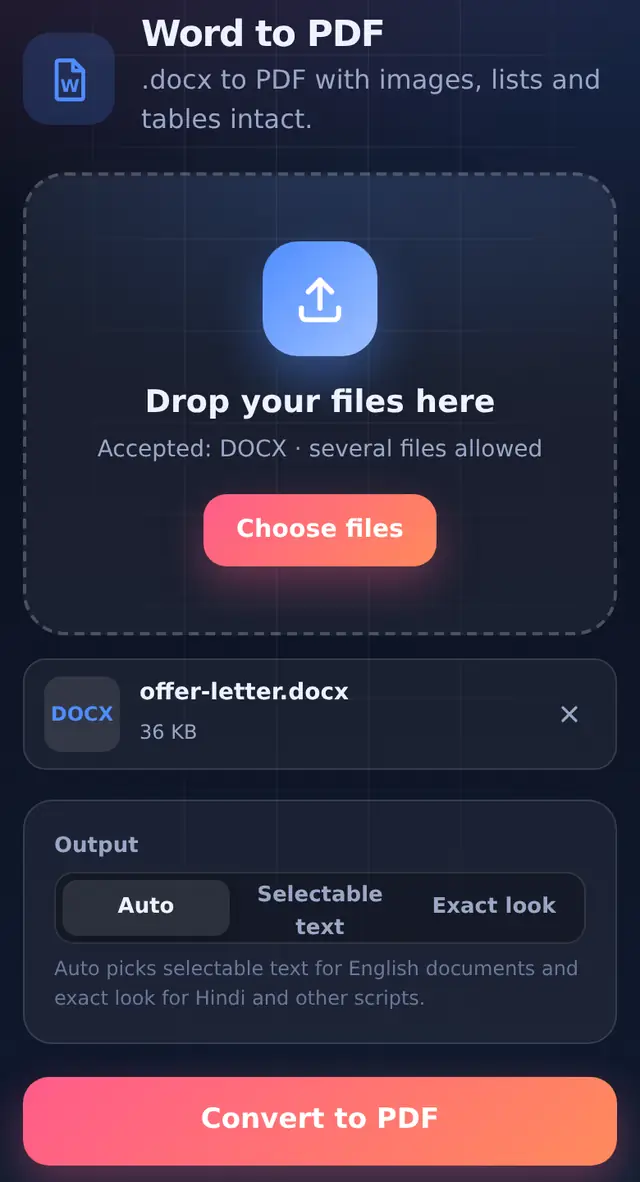
- Add the .docx fileSeveral files can be converted in one go; each becomes its own PDF.
- Leave Output on AutoOr choose Selectable text or Exact look yourself (explained below).
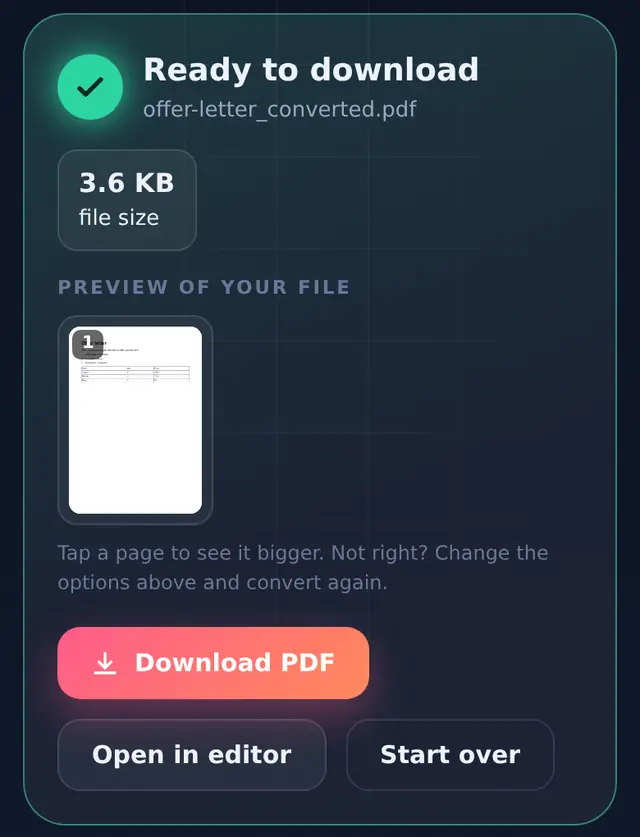
- Convert and check the previewPage breaks may fall in different places than in Word, so glance through before sending.
- DownloadThe PDF is named after your document with
_convertedadded.
Selectable text or exact look?
| Output | How the PDF is made | Best for |
|---|---|---|
| Selectable text | The document is laid out again on A4 pages with about 2 cm margins, using a standard PDF font. Text can be selected, searched and copied, and the file stays small. | Letters, CVs, reports in English and other Latin-script languages |
| Exact look | Each page is drawn as a sharp image of the document, so any script and font appears as it does on screen. Text cannot be selected. | Hindi, Arabic, Chinese and other scripts; documents where appearance matters most |
| Auto (default) | Picks Selectable text when every character can be written with standard PDF fonts, and Exact look when it finds Hindi or other scripts. | Almost everything |
Standard PDF fonts only cover Latin letters. Writing Devanagari with them would produce empty boxes, which is why Auto switches to Exact look for Hindi documents instead of giving you a broken file.
What comes across
- Kept: headings, paragraphs, bold and italic text, bulleted and numbered lists, tables and pictures.
- Changed: in Selectable text mode your fonts are replaced by a standard sans-serif font, and pages are A4.
- Simplified or left out: page headers and footers, text boxes, multiple columns, comments and tracked changes.
If you need a pixel-perfect copy of a complex layout, the most faithful route is the app that made the document: in Word, File > Save As > PDF; in Google Docs, File > Download > PDF. This tool is for when you only have a phone, a borrowed computer, or a file you would rather not upload anywhere.
Questions people ask
Can I convert an old .doc file?
Only .docx is supported. Open the .doc in Word, Google Docs or WPS Office and save it as .docx first.
Why does my PDF have more pages than the Word file?
Page breaks are recalculated for A4 with fixed margins, and fonts are swapped for a standard one, so text can flow a little differently. Headers and footers are not repeated either.
Can I edit the PDF afterwards?
Yes. Small fixes can be made in Edit PDF. For bigger changes it is easier to edit the Word file and convert again.