PDF Studio › All tools › Sign a PDF with your own signature
Sign a PDF with your own signature
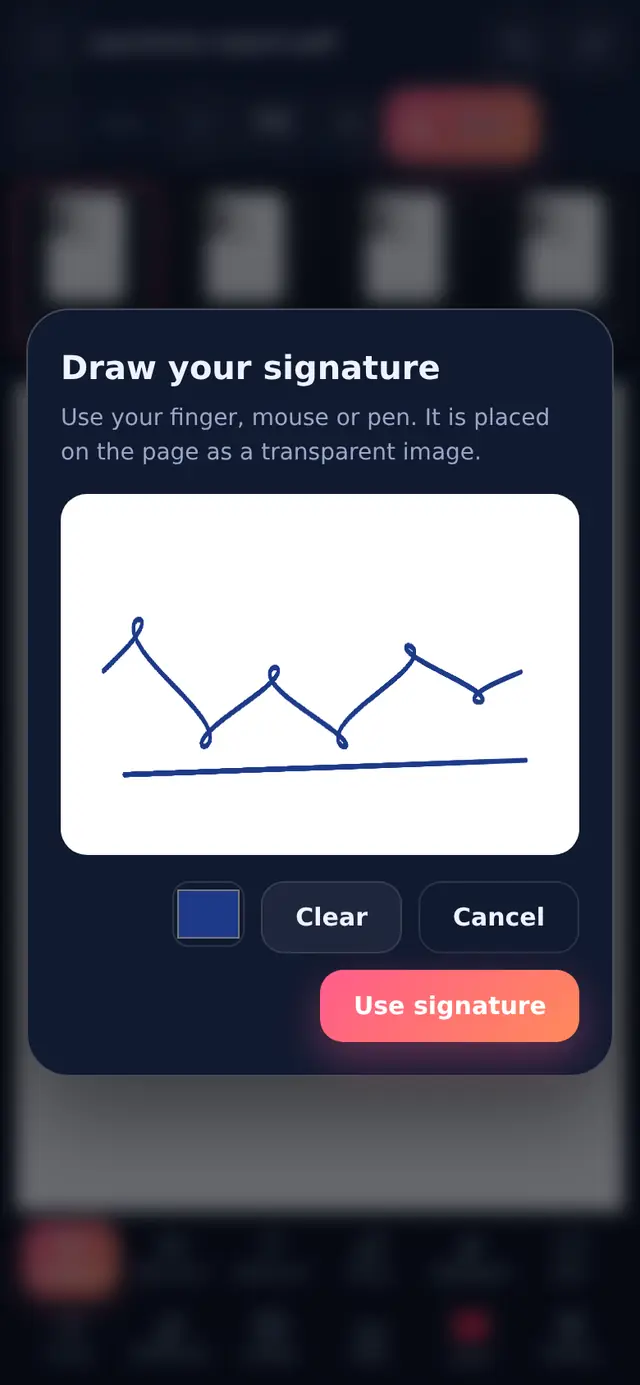
Draw your signature on the screen with a finger, mouse or stylus, then drag it into place on the page. It is added as a transparent image, so it sits naturally over lines and printed text.
Open Sign PDFFree, no sign-up, no watermark. The file is processed on your device and never uploaded.
How to sign
- Open the PDFThe editor opens with the signature pad ready.
- Draw your signatureSign as you would on paper. Clear starts again.
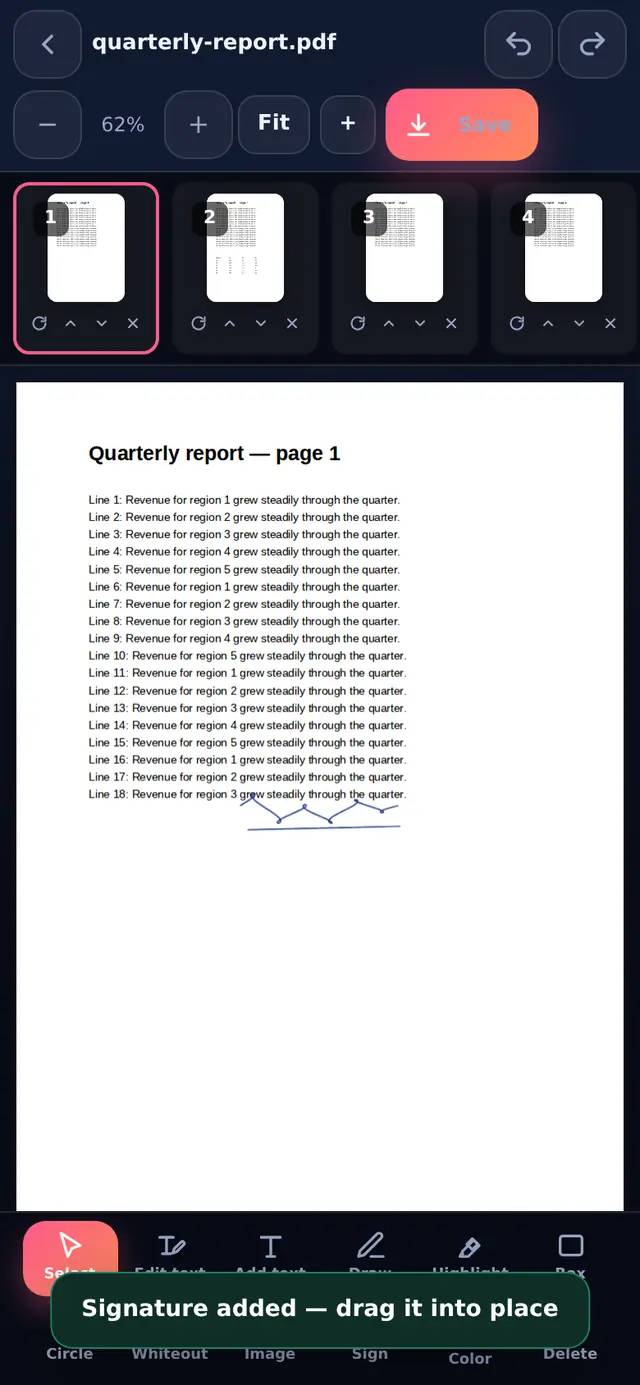
- Use signatureIt is placed on the current page. Drag it onto the signature line and use the corner handle to resize it.
- Go to other pages if neededPick a page in the strip and use the Sign tool again for initials on every page.
- DownloadPress Download PDF or Save on a phone.
Tips for a signature that looks right
- Sign bigger than you need, then scale down. Strokes drawn large look smoother once resized.
- Use a stylus or a mouse on a computer if your finger signature looks shaky.
- Blue or black ink: many offices expect blue on signed copies so they can tell an original from a photocopy.
- Zoom in before placing it on a small signature box.
Is a drawn signature legally valid?
A drawn signature is an image on the page. It works well wherever a signed copy is accepted, such as offer letters, rental agreements between individuals, school forms and delivery notes. It is not a certificate-based digital signature. Some official processes require those instead, for example Aadhaar eSign or a DSC token for certain government and company filings in India. Rules differ by country and by document, so if in doubt, ask whoever will receive the document which kind they accept.
Your signature stays with you
The signature you draw exists only in your browser while you work. It is not uploaded or saved on any server, and it is not stored for next time.
Questions people ask
Can I use a photo of my signature instead?
Yes. Photograph your signature on white paper, then use the Image tool in Edit PDF to place it. Compress image can shrink the photo first.
Can I add the date or my name next to the signature?
Yes. Use Add text in the same editor before you download.
Can someone remove my signature from the PDF?
It becomes part of the page like any image, so it can be edited out by someone determined. If that matters, add a password with Protect PDF and turn off editing.