PDF Studio › All tools › Rotate PDF pages and save them that way
Rotate PDF pages and save them that way
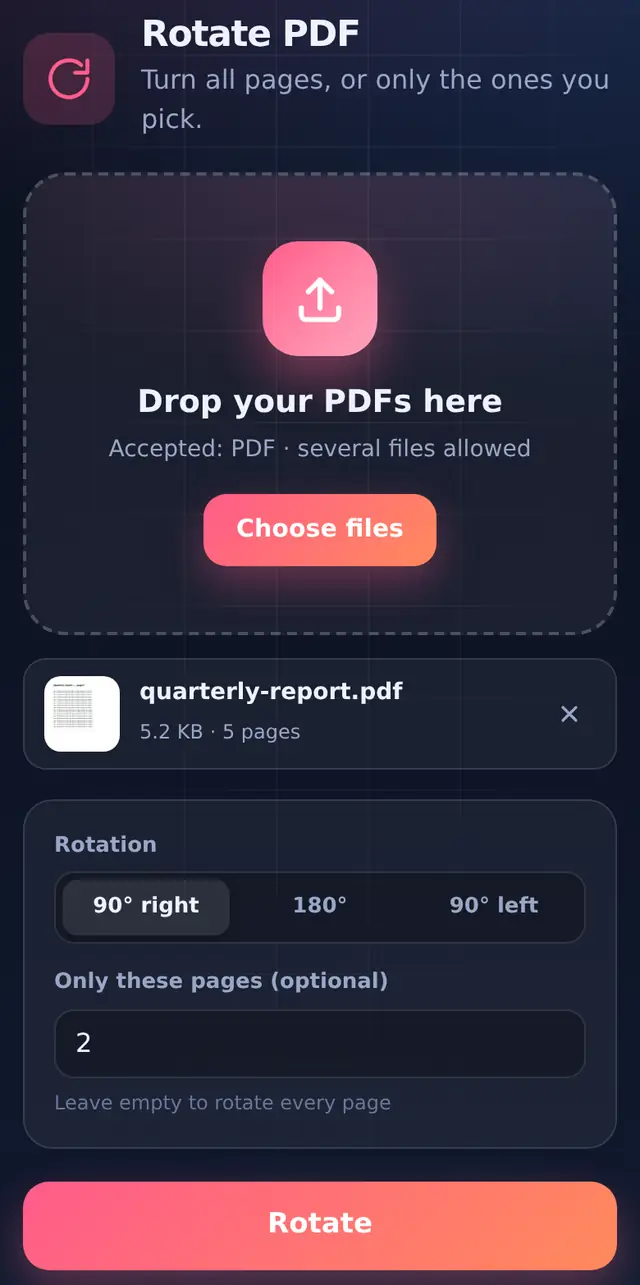
Turn pages 90° right, 90° left or 180° and save the file that way, so it opens the right way up for everyone. You can rotate every page or only the ones that came out sideways.
Open Rotate PDFFree, no sign-up, no watermark. The file is processed on your device and never uploaded.
How to rotate
- Add one or more PDFsWith several files, each one is rotated and saved separately.
- Pick the direction90° right, 180°, or 90° left.
- Optionally list pagesLeave "Only these pages" empty to rotate everything, or type pages like
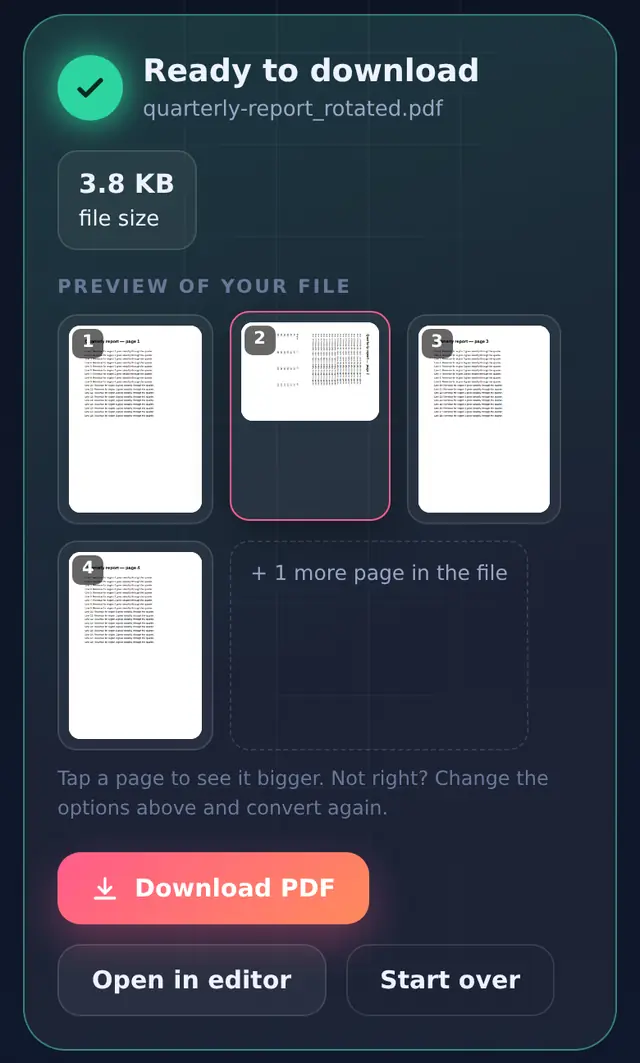
2or3, 7-8. - Rotate and downloadThe file is saved as
name_rotated.pdf.
Why the rotation is lossless
A PDF page has a rotation setting separate from its content. This tool changes that setting and leaves the text and images alone, which is why rotated pages stay just as sharp and the file size barely changes. In our test a 5-page report went from 5.2 KB to 3.8 KB after rotating, simply because the file was saved more compactly.
The rotation adds to whatever the page already had. Rotating a page that was already turned 90° right by another 90° right gives 180°. If you overshoot, rotate again the other way.
Rotating in a viewer vs saving it
Most PDF viewers have a rotate button, but it usually only changes your view. Close the file, send it to someone, and it opens sideways again. Rotating here writes the change into the file.
Where sideways pages come from
- Phone scans taken with the phone held sideways, especially of landscape documents.
- Mixed documents where a wide table or chart was printed landscape in the middle of portrait pages.
- Scanner feeders that pull a page in upside down, which needs 180°.
Questions people ask
Can I rotate different pages in different directions?
Run the tool once per direction: first rotate some pages 90° right, then open the result and rotate other pages 90° left. Or use Edit PDF, where each page thumbnail has its own rotate button.
Will rotating affect text selection or search?
No. The text is untouched, so it stays selectable and searchable.
My photo-to-PDF came out sideways. Should I rotate it here?
You can. JPG to PDF already reads the orientation your phone stored in the photo, so newer conversions usually come out upright.