PDF Studio › All tools › Convert PDF to Word (.docx)
Convert PDF to Word (.docx)
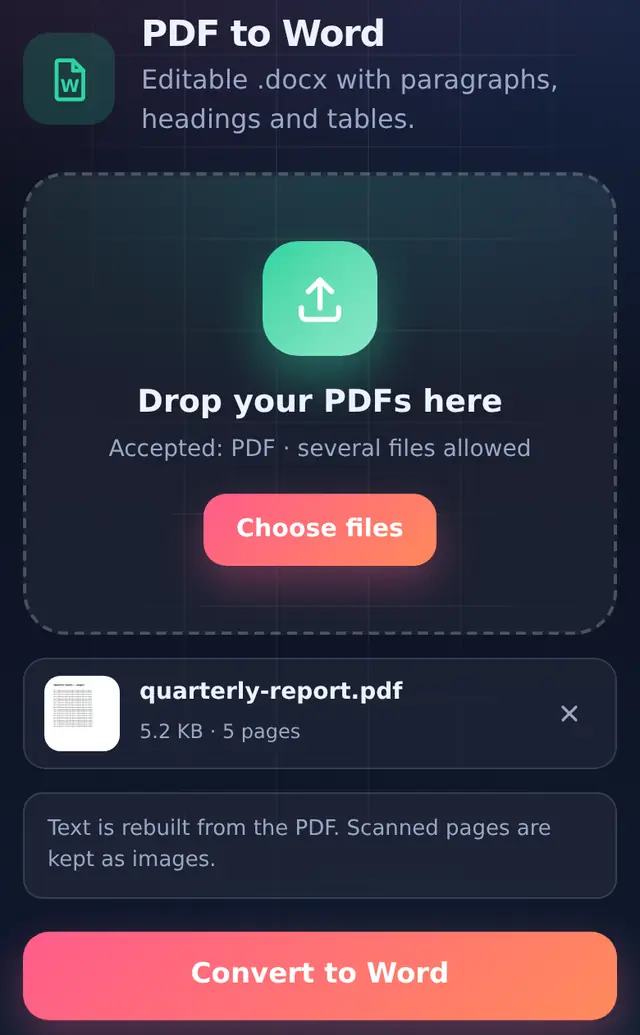
Get an editable Word document from a PDF. The text is rebuilt into real paragraphs, headings and Word tables, so you can change it in Word, Google Docs or WPS Office.
Open PDF to WordFree, no sign-up, no watermark. The file is processed on your device and never uploaded.
How to convert
- Add the PDFSeveral PDFs can be converted in one go.
- Convert to WordEach page is read and rebuilt; progress is shown page by page.
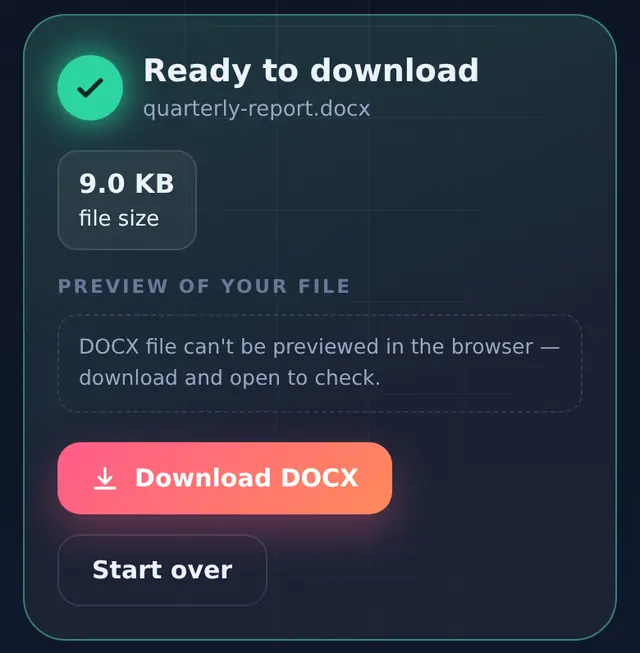
- Download and openThe file is named after your PDF, with the .docx extension.
How the rebuilding works
A PDF does not store paragraphs. It stores pieces of text with a position on the page. The tool reads those positions and puts the document back together:
- Lines that sit close together with the same text size are joined into one paragraph.
- Text that is bold or clearly bigger than the body text becomes a bold heading.
- Rows of text that line up in two or more columns, over several lines, become a real Word table, with column widths based on the original spacing.
- Every PDF page becomes its own section with the same page size and orientation, so landscape pages stay landscape.
In our test, a 5-page report with a four-column table came out as paragraphs plus an editable Word table on page 2.
Limits to know about
- Scanned pages have no text to rebuild. They are placed into the Word file as a picture of the page. There is no text recognition (OCR).
- Pictures inside typed pages are not carried over. The conversion focuses on text and tables.
- Two-column layouts such as newsletters or research papers can come out as a table, because side-by-side lines look like table rows.
- Fonts are set to Calibri, with sizes close to the original.
If you only need to change a few words, Edit PDF can replace text directly in the PDF and keeps the layout exactly as it is.
Questions people ask
Why is some text missing or in the wrong order?
Some PDFs store text in an unusual order, or draw part of it as an image, which cannot be read as text. Check the result against the PDF, especially headers, footers and sidebars.
Is the Word file editable in Google Docs?
Yes. The .docx opens in Word, Google Docs, WPS Office and LibreOffice.
Can I convert a password-protected PDF?
Remove the open password first with Unlock PDF. You need to know the password.